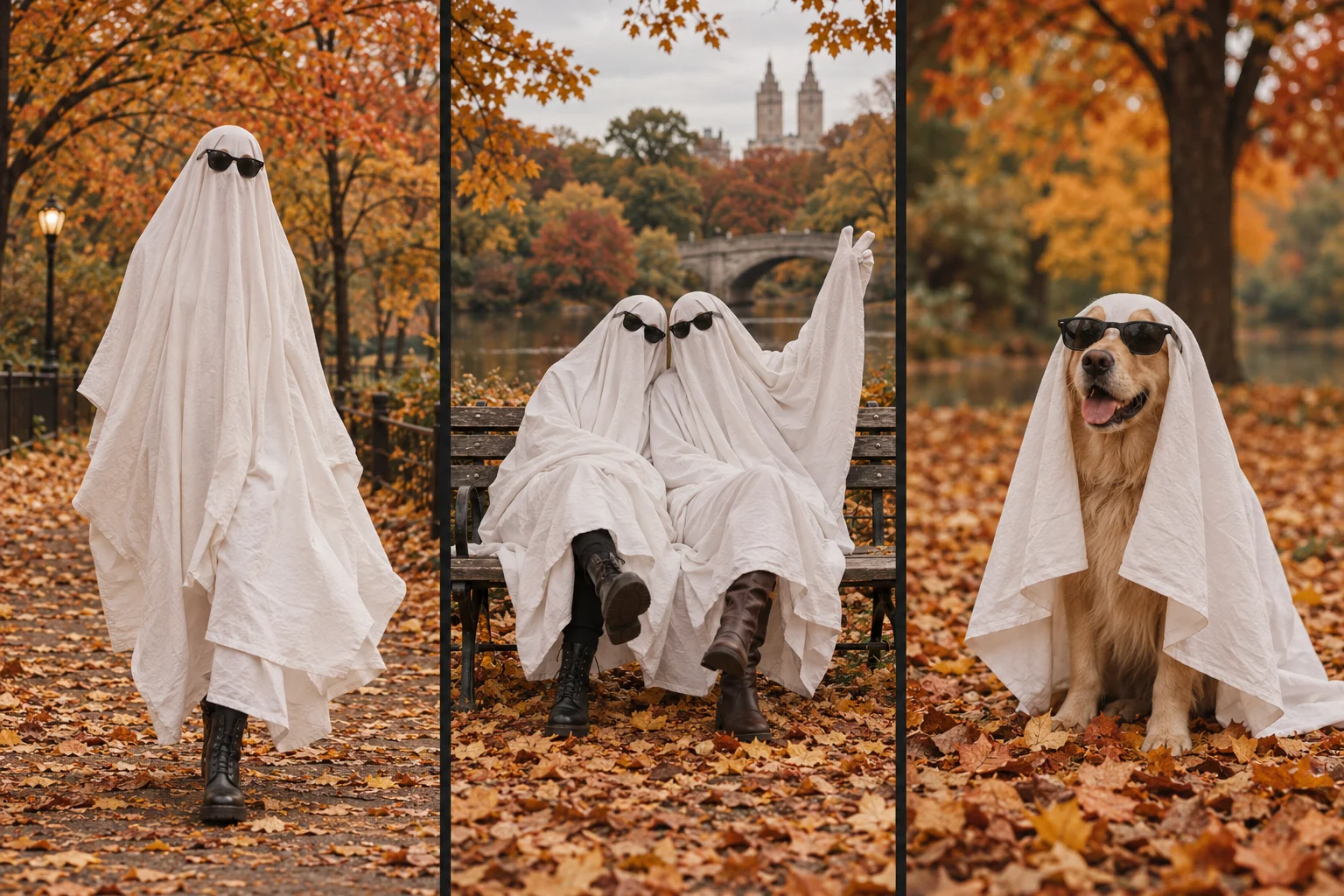
Choose a real ghost photoshoot for control over the actual pose and fabric. Choose a photo editor for a still-image effect. Choose Ghost Photoshoot AI Generator when you want a white-sheet transformation video and four portraits from one existing photograph. The AI option creates an interpretation; it does not preserve every detail of the original photo.
This comparison is written by the publisher of ghostphotoshoot.org, not an independent reviewer. “Photo editor” describes a workflow category, not a tested ranking of competing products.
Which ghost photoshoot method fits your goal?
| Decision | Physical sheet photoshoot | Photo editor or filter | Ghost Photoshoot AI Generator |
|---|---|---|---|
| Starting material | Subject, sheet, camera and location | An existing image | One full-body JPG, PNG or WebP, up to 10 MB |
| Result | Real photographs or recorded video | An edited still; features depend on the editor | Requested 9-second vertical MP4 and four downloadable portraits |
| Control | Direct control of pose, light and fabric | Manual masks and layers can give detailed control | Guided generation; anatomy and background can change |
| Costume | Physical sheet and optional sunglasses | Digital editing | No costume needed in the input |
| Motion | Record it yourself | A still-image filter alone does not create motion | Five-second transformation plus four one-second portrait scenes |
| Audio | Record or add separately | Depends on the editing workflow | Silent output; add audio elsewhere |
| Cost basis | Materials, equipment and your time | Depends on the chosen editor | Paid credits; check current pricing before generating |
For the AI tool's exact file requirements and limitations, read the video and download specifications. For the hands-on route, see the DIY and AI tutorial.
Can I make a ghost photoshoot without a sheet?
Yes. A photo editor can add a ghost effect to a still, or an AI generator can interpret a photo as a sheet-ghost scene. In this tool, upload an uncovered full-body photo, select the matching subject option, choose 480p or 720p and review the credit charge. The tool creates the sheet and sunglasses digitally. It does not document a real costume session.
Which option should I choose for a pet or two friends?
For a dog or cat, an uncovered photo avoids needing a physical costume. Use the pet option and inspect the paws, body and sunglasses in the generated result. For two adult friends, both people must already appear in the same uploaded photo. This generator does not combine separate portraits into a group photo. See the pet and friends guide.
If keeping an exact face, outfit, pose or background matters more than generated motion, use a real photo or an editor with manual control. AI generation can change those details even when the upload is clear.
Is this a free ghost photo filter?
No. Ghost Photoshoot AI Generator is a paid photo-to-video workflow with downloadable portraits. It is not a live camera filter. Check the current credit packs and the generator's displayed charge before submitting. A higher resolution does not guarantee better likeness; the 480p versus 720p comparison explains the distinction.
Can the result be used as a Reel or short video?
The requested output is a vertical 9:16 MP4 without audio. Review the whole clip, add any permitted music or captions in your editor, and check the destination platform's current upload and disclosure requirements. The tool does not publish to social accounts or promise views.
Before you choose
Use a photo you have permission to transform and share. For this product's handling of uploads, consult the privacy policy. If you want the generated transformation and accept its limitations, open the ghost photoshoot generator. If you want to stage your own pictures, start with the ghost photoshoot ideas.