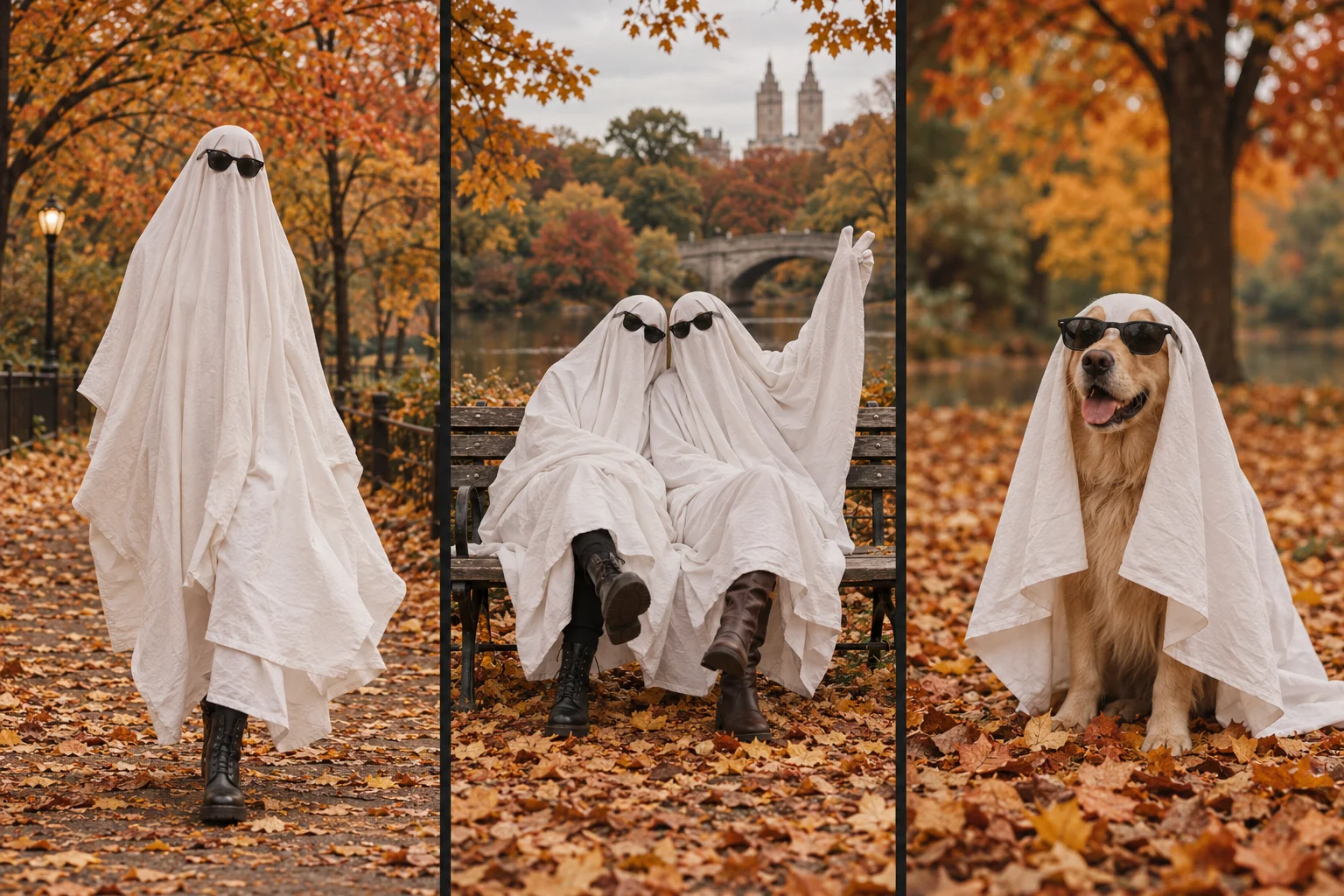
Choose 480p for a lower-credit trial composition; choose 720p when you want a higher-resolution file. Both options in Ghost Photoshoot AI Generator request the same nine-second, vertical, silent video format. Resolution changes image dimensions, not the reliability of the transformation or the provider's review decision.
What stays the same and what changes?
| Property | 480p | 720p |
|---|---|---|
| Requested quality | Lower resolution | Higher resolution |
| Website credits per generation | 150 | 350 |
| Finished duration | 9 seconds | 9 seconds |
| Orientation | 9:16 portrait | 9:16 portrait |
| Sequence | 5-second transformation + 4 photos | 5-second transformation + 4 photos |
| Included audio | None | None |
| Guaranteed natural motion | No | No |
Credit figures reflect the published configuration on October 24, 2026. Check current pricing and the generator before submitting. These are website credit charges, not the model provider's API prices.
Does 720p fix unusual hands or sheet movement?
No. Output resolution and motion quality are different properties. A higher-resolution file can show more detail, including unwanted details. Hand placement, fabric folds and subject consistency depend on the input and the generated sequence. Neither resolution guarantees a natural result.
Start with a clear photograph showing the whole subject. If the original image has overlapping limbs or cropped shoes, switching resolution does not restore reliable reference information. See the input and output specifications before uploading.
Can I switch to 720p after generating 480p?
The selector applies to a new generation request. It does not upgrade an existing downloaded file or make an earlier task run again at no cost. A new request uses the credit amount displayed for that request. Keep your original download if you want to compare two results; separate AI generations may differ in composition as well as resolution.
Which option should I choose for a vertical social video?
Use 480p if conserving credits matters more than output resolution while trying a composition. Use 720p if the higher-resolution deliverable is worth the displayed charge to you. Inspect the result in the size and app where you intend to publish it. Cropping, compression and enlargement can affect its appearance after download.
This is a selection guide, not a measured comparison of platform engagement or a claim that a particular setting gets more views. The generator does not add music; add appropriately licensed audio and any necessary AI disclosure in your publishing app.
Does a failed generation mean that resolution is unsupported?
Not by itself. Failure can occur during reference-image preparation, provider processing or review, storage, or assembly. Use the task's error explanation and ID to investigate the stage that failed. Repeatedly changing quality can create additional paid attempts without fixing the cause. Contact support if the failure message is unclear.
For composition inspiration, browse ghost photoshoot ideas. For the complete setup and review checklist, read the DIY and AI workflow.