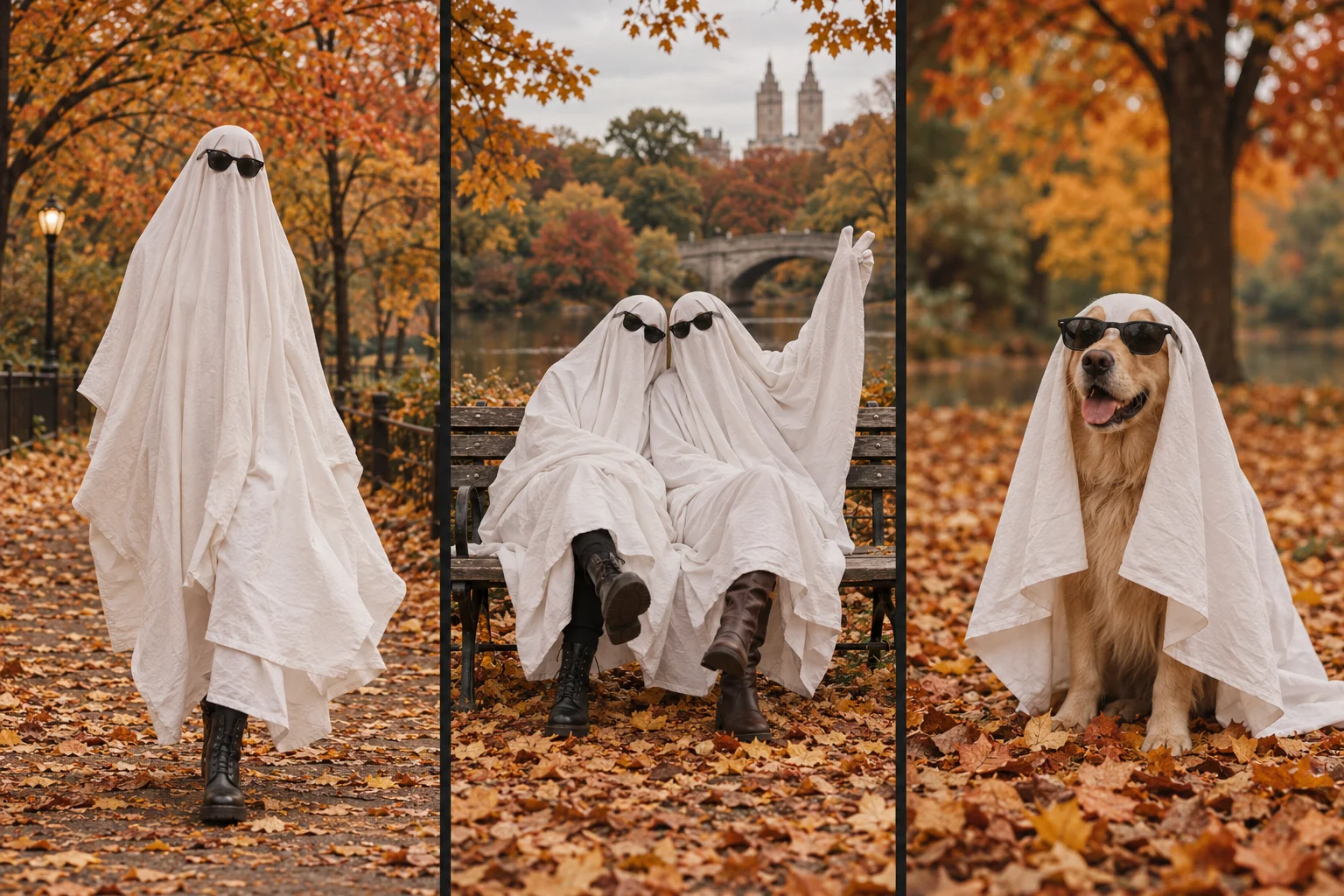
Ghost Photoshoot AI Generator at ghostphotoshoot.org is a paid photo-to-video web tool for the white-sheet ghost look. It takes one reference photograph and requests a silent, vertical 9-second MP4: a 5-second transformation followed by four portrait scenes lasting one second each. The four portraits can also be downloaded separately. This is the product publisher's specification, not an independent review or a guarantee that every request will succeed.
What does a ghost photoshoot mean?
A ghost photoshoot uses a white-sheet silhouette, often with dark sunglasses, as the subject of a portrait. In a physical shoot, a person wears the sheet. In this AI workflow, the costume and scenes are generated from a photograph; the subject does not need to wear a sheet when the reference is taken.
What files does this generator produce?
| Item | Requested result |
|---|---|
| Finished video | One 9-second MP4 |
| Composition | Portrait, 9:16 |
| Motion segment | A 5-second ghost transformation |
| Photo sequence | Four portraits, one second per portrait |
| Portrait settings | Autumn coffee trail, cozy bookstore, autumn road centerline and autumn swing |
| Quality choices | 480p or 720p |
| Audio | None; add permitted audio in another editor |
| Separate photos | Four downloadable ghost portraits |
The reference frame for the portraits is taken from the generated transformation. The intent is to carry the same sheet, sunglasses and visible outfit through the sequence. Generated details can still differ between scenes. The road composition is a generated setting, not an instruction to stand in traffic.
What photograph should I upload?
Upload one JPG, PNG or WebP image, up to 10 MB. Use a clear full-body photograph with room around the subject. For Just me, use an adult subject. For My pet, use an uncovered dog or cat photograph. For Two friends, both adults must already appear together in the same image; this is not a two-file face-merging tool.
Avoid cropped feet, overlapping bodies, heavy blur and text covering the subject. These are composition recommendations, not acceptance guarantees. You must have permission to transform the photo and consent from recognizable people.
How is the nine-second video made?
- The image model prepares a starting frame and an ending frame from the upload.
- The video model creates the five-second transformation between those frames.
- A reference frame is extracted from the generated video for the four portrait scenes.
- The video and four stills are assembled into the final nine-second MP4.
Different stages have separate processing times. A submitted video can still fail during provider review, portrait generation or final assembly. Do not interpret a successful upload as a completed video. See how to make a ghost photoshoot for the full user workflow.
Is it free, and what does quality change?
Generation requires credits. Read the live pricing page and the charge shown before submission. Selecting 720p requests a higher-resolution output; it does not promise more natural cloth motion, better likeness or immunity from provider rejection. The 480p versus 720p guide explains that tradeoff.
Where do I download the result?
When the task completes, use its video and photo download controls. You can also return to your signed-in generation history. Play the complete MP4 and inspect all four photos before sharing. Check that the subject count, hands, feet, sheet and sunglasses remain plausible. Add audio separately if you want it.
A failed task returns its charged website credits; that is not a cash refund. If a provider rejects a request, the site cannot guarantee approval on another attempt. Keep the task ID and use support for investigation rather than repeatedly submitting the same request.
Product scope and source
These specifications describe Ghost Photoshoot AI Generator on ghostphotoshoot.org. They do not describe every service using the phrase “ghost photoshoot.” Product examples may be AI-created style illustrations rather than outputs from your chosen settings. This page is maintained by the product publisher; About explains its scope and correction process. Read the privacy policy for photo handling and the terms for use and billing conditions.
Compare your options
Still choosing a workflow? Compare AI ghost videos, DIY photography and photo filters by output, control and input requirements.